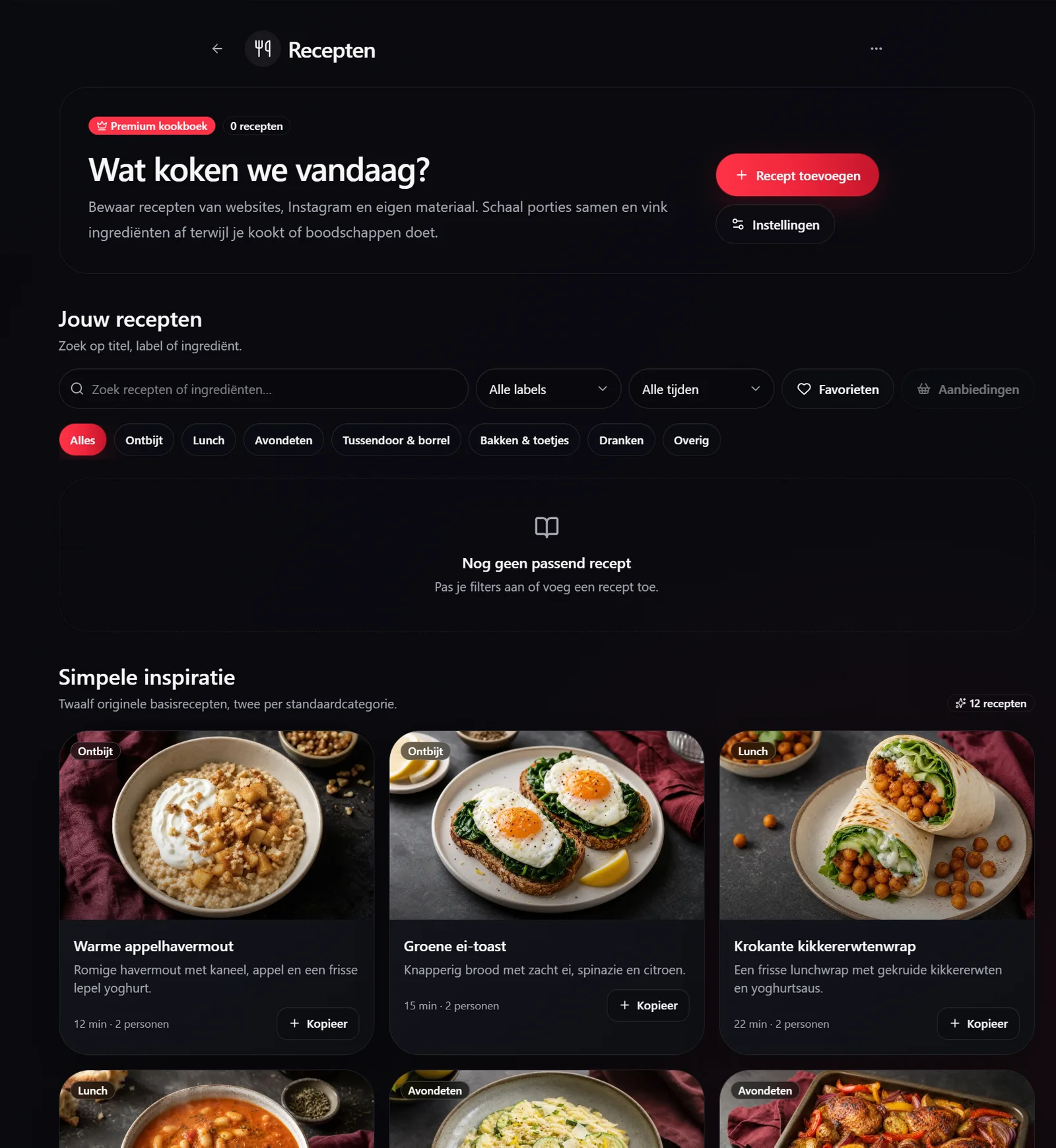
OurNestia Recipes is a Premium cookbook for the meals you want to make together. Keep recipes in one collection, find them using categories and filters, adjust portions and gather the ingredients for your table.
What can you use it for?
A saved recipe becomes useful when the ingredients and method are easy to find again. The cookbook supports manual entry and importing material into an editable draft. Favourites and search filters help you return to something you liked instead of starting a new search each evening. Check an imported recipe before saving it, especially quantities, portions and any details missing from the original source. Use labels, categories and favourites to find recipes again. Weekly inspiration comes from an existing recipe selection; it is not a personalised AI meal plan.
A simple way to get started
1. Add a recipe yourself or prepare an import from a supported source.
2. Read the draft and check its ingredients, instructions and portions before keeping it.
3. Choose how many people are eating, then collect the ingredients you need for the meal.
An everyday example
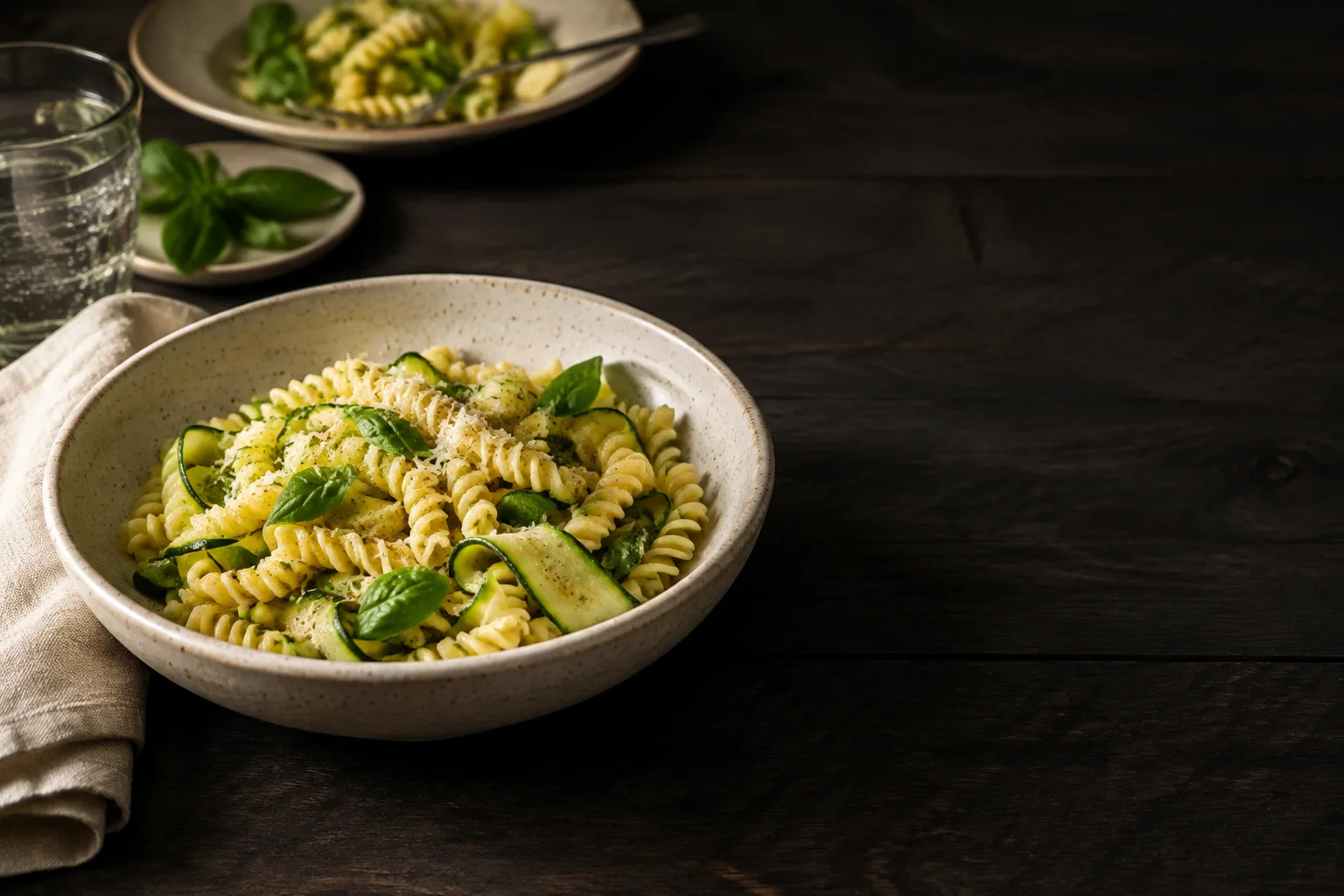
You save a pasta recipe for two and decide to invite friends. Adjust the portions before making the ingredient list, then check the kitchen cupboards so you know what to buy. Ingredients can be viewed per recipe and as a combined list in the groceries flow. This helps you keep the meal idea and its practical preparation close together.
A place in your shared Space
Keep a small selection of meals you actually want to cook. A recipe for a quiet weekday may need different ingredients or preparation than a weekend meal. Use categories and favourites to find the right starting point, then give the shared meal a place in your calendar.